3.4 KiB
Automated data lineage from PostgreSQL (GUI Mode)
This article introduces how to discover the data lineage from PostgreSQL scripts or the PostgreSQL database and automatically update it. So the business users and developers can see the PostgreSQL data lineage graph instantly.
Software used in this solution
- SQLFlow Cloud Or SQLFlow on-premise version
- Grabit tool for SQLFlow. It's free.
Install grabit tool
After download grabit tool, please check this article to see how to setup the grabit tool.
Discover data lineage in a PostgreSQL database
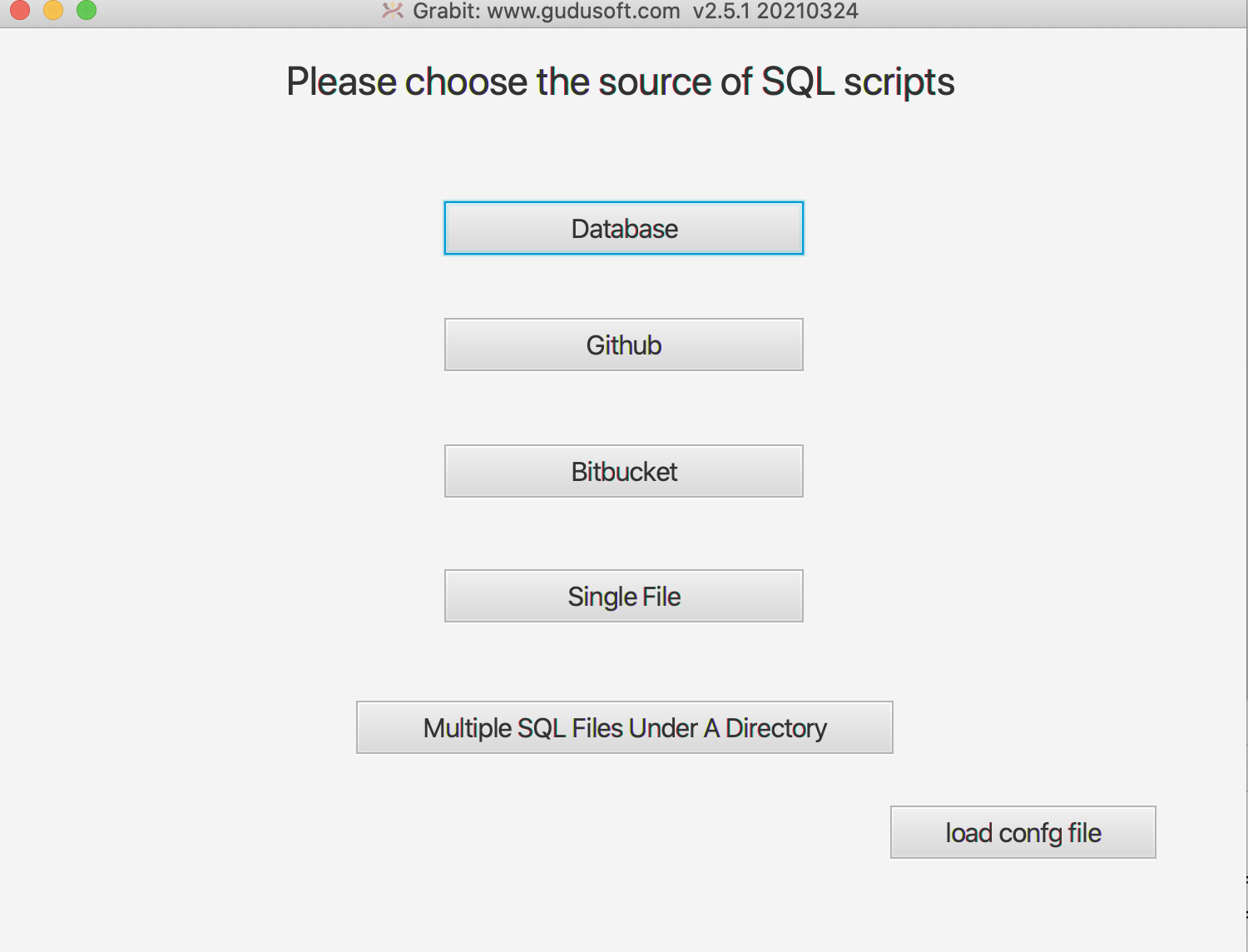
- After start up the grabit tool, this is the first UI.
Click the
databasebutton.
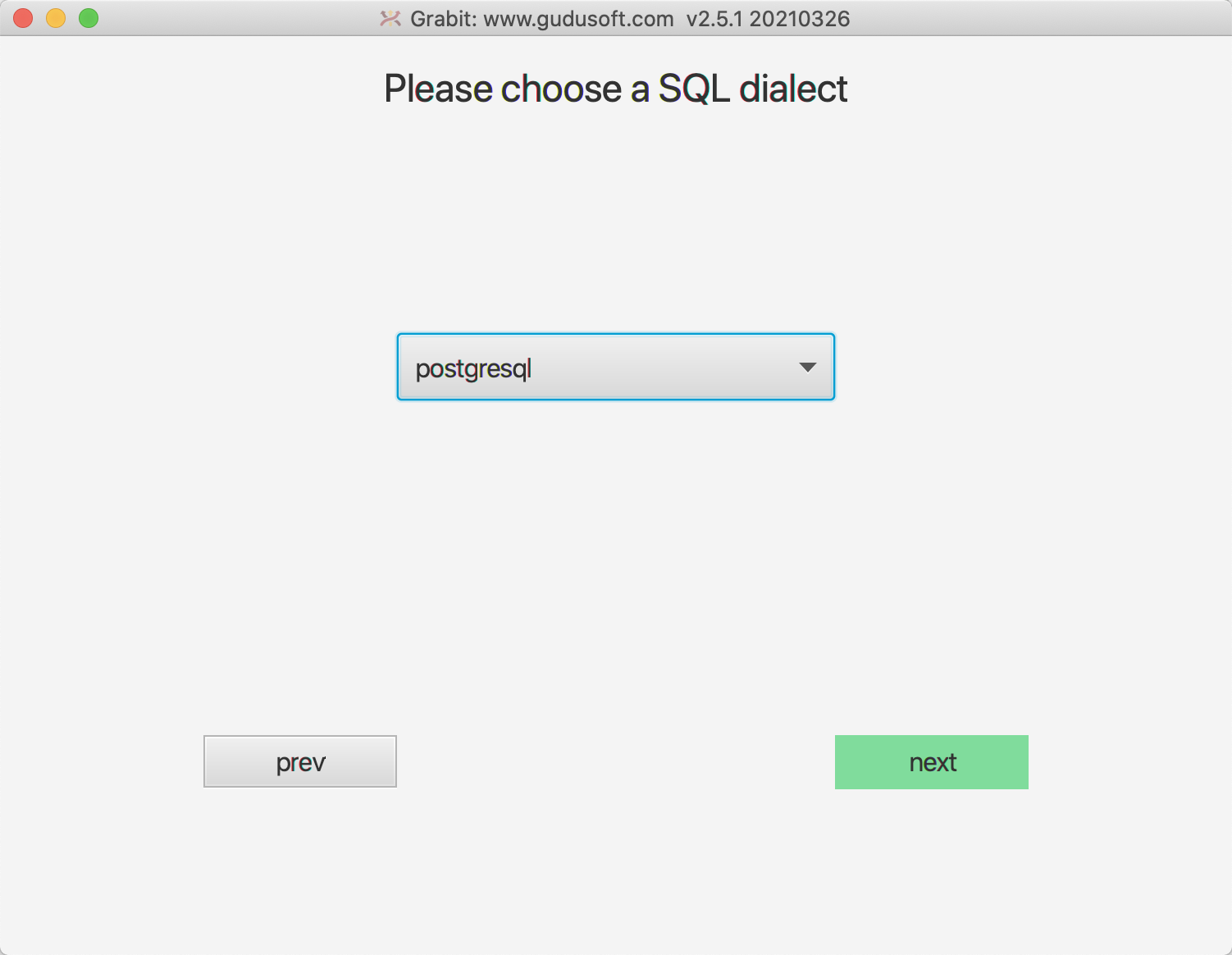
- Select
postgresqlin the list
- Set the database parameters. In this example, we only discover the data lineage in public schema.

- note
1.The Database parameter is must specified.
2.When the ExtractedDBSSchemas and ExcludedDBSSchemas parameters are null, all data for the currently connected database is retrieved by default.
3.If you just want to get all the data in the specified database, you can use the following configuration to achieve this: ExtractedDBSSchemas: db/*.
- After grabbing the metadata from the PostgreSQL database, connect to the SQLFlow server. It would help if you had a premium account to access the SQLFlow Cloud.

-
Submit the database metadata to the SQLFlow server and get the data lineage

-
Check out the diagram via this url: https://sqlflow.gudusoft.com/#/job/latest

- You may save the data lineage in JSON/CSV/GRAPHML format
The file will be saved under data\datalineage directory.
Further information
This tutorial illustrates how to discover the data lineage of a PostgreSQL database in the grabit UI mode, If you like to automated the data lineage discovery, you may use the Grabit command line mode.
This tutorial illustrates how to discover the data lineage of a PostgreSQL database by submitting the database metadata to the SQLFlow Cloud version, You may set up the SQLFlow on-premise version on your server to secure your information.
For more options of the grabit tool, please check this page.
The completed guide of SQLFlow UI
Know-How
